· via Hacker News – Front Page (native)
BetterWispr brings free, open-source dictation with cleanup and per-app styles to the Mac
A Show HN project offers free, Apache-2.0 dictation for macOS that runs speech models on-device, strips filler words, and adapts its writing style per app — with no account.
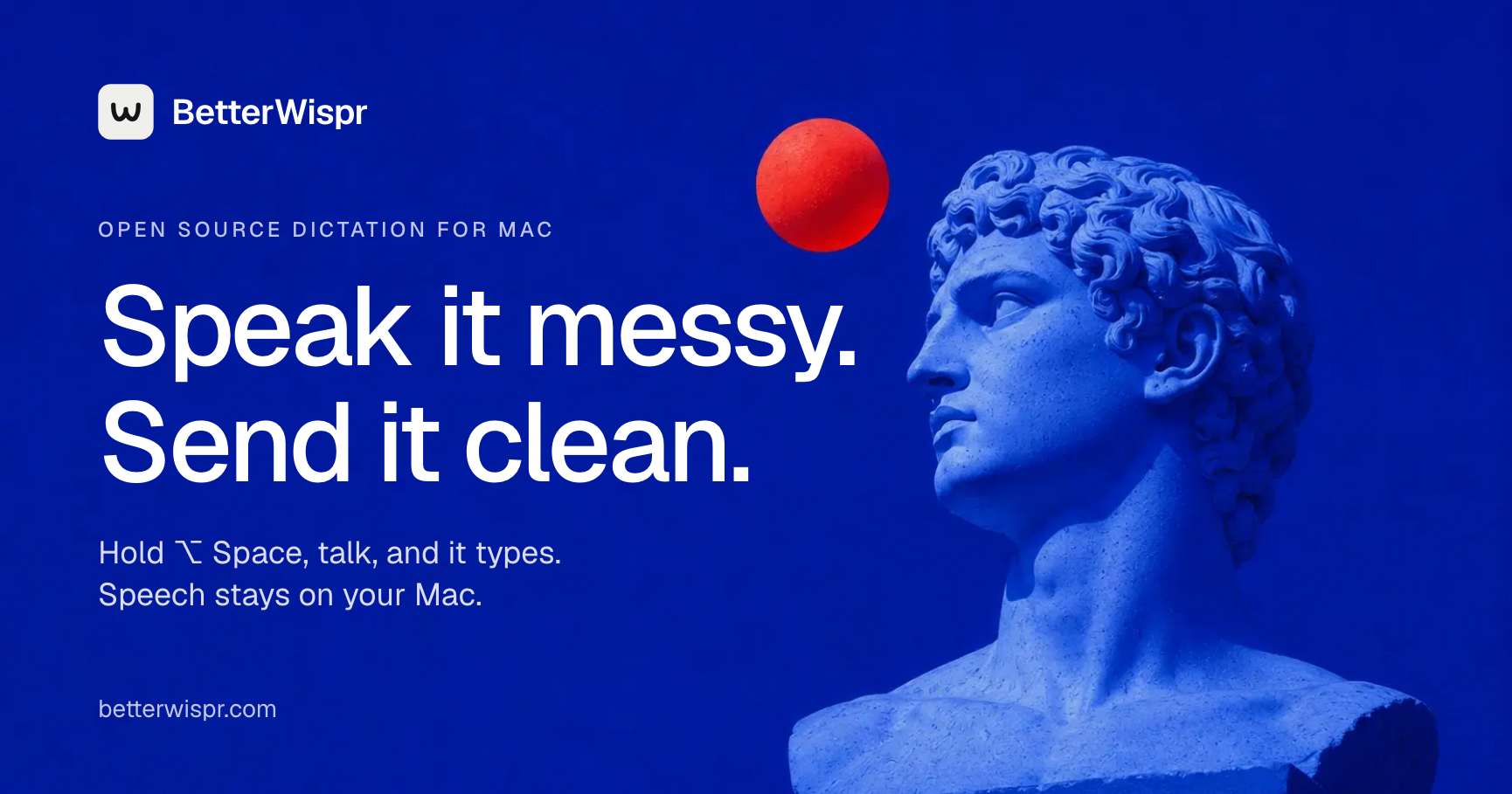
A hold-to-talk dictation app that never leaves your Mac
BetterWispr, a dictation tool showcased on Hacker News's front page, tries to close the gap between messy speech and clean text. According to the project's site, it is free and open source under an Apache 2.0 licence, requires macOS 14 or later, and recommends Apple Silicon for running speech models locally. There is no account, no API key requirement, and no cloud transcription fallback: models download once and then work offline.
The core interaction is deliberately simple. Place your cursor in a text field, hold Option+Space while you talk, release to transcribe, and the text is inserted into the app you were using. If an app blocks pasting, the transcript is copied to the clipboard and kept in a dashboard so nothing is lost. First-run permissions cover the microphone, accessibility access for automatic insertion, and speech recognition if you use Apple's engine.
Nine local models, plus optional APIs
BetterWispr ships with nine built-in models from Apple's on-device speech, Parakeet, and Whisper. According to the site, Parakeet handles English, Japanese, and 25 European languages, Whisper covers a wider set, and Apple's engine depends on your locale and installed OS assets. You can also configure Sarvam AI, Smallest AI, or an OpenAI-compatible API, with the caveat that those routes send your dictation to the provider you pick.
One tradeoff worth knowing in advance: transcription starts after you release the shortcut, rather than streaming word by word while you speak.
Cleanup you control, styles per app
Cleanup comes in three levels. Light, the default, removes English filler words, repeated phrases, and false starts. Medium additionally edits for clarity using a notes model, either Apple Intelligence or a local Ollama instance, running on your Mac. None keeps every word. Styles are configured per app: casual drops the final period, very casual drops capitalisation too, and formal leaves your words untouched. Cleanup and tones both apply to English.
Voice commands let you say "comma", "question mark", or "new paragraph" as you dictate, and "scratch that" deletes the last sentence. History stores both the raw transcript and the corrected version, with a "Use Original" action that restores exactly what was said, and history can be switched off entirely.
Meeting notes and vocabulary learning
A Notetaker mode transcribes your microphone as "Me" and other apps' audio as "Them" (the latter needs macOS 14.2 or later) alongside your own notes. Afterwards, Apple Intelligence on supported Macs running macOS 26, or a local Ollama model, drafts the summary, decisions, and action items on-device. Optional Claude Code, Codex, and OpenAI-compatible endpoints exist, but they send the transcript to those providers. Without a notes model, the transcript and your notes are still saved.
The app also learns your vocabulary. You can add names and terms as hints and replacements, or fix a misheard word in History or immediately after a paste; the correction is then applied the next time, and learning can be disabled in settings.
Signed updates and local insights
New versions arrive through GitHub Releases via Sparkle and install only when their EdDSA signature matches, a meaningful supply-chain guard for an open-source project distributing binaries. An insights view counts words spoken, your pace, the words cleanup saved you, which apps you dictate into, and a daily streak, all computed from history stored on your Mac. The full source is readable on GitHub, and the site says you can build the app yourself with make dev.
Why it matters
Most polished dictation experiences route audio through cloud servers or lock useful features behind subscriptions. An Apache-2.0 app that transcribes entirely on-device, requires no account, and publishes signed builds gives privacy-sensitive users and locked-down environments a credible alternative, and its cleanup plus per-app styling tackle the most common complaint about dictation: that raw transcripts still need manual editing. The limitations are honest ones. Cleanup, styles, and voice commands are English-only, transcription is not real-time streaming, and model performance depends on your hardware. For Mac users on Apple Silicon who already run Ollama or have Apple Intelligence available, BetterWispr positions dictation as another local-first tool rather than another subscription.
- #open-source
- #macos
- #dictation
- #speech-recognition
- #privacy