· via Hacker News – Front Page (hnrss.org)
Firefox on iOS gets a built-in ad blocker, off by default and EasyList-based
Mozilla has added a native ad blocker to Firefox for iOS using Apple's WebKit Content Blocker API and the EasyList filter list. It ships off by default and won't block first-party or search ads.
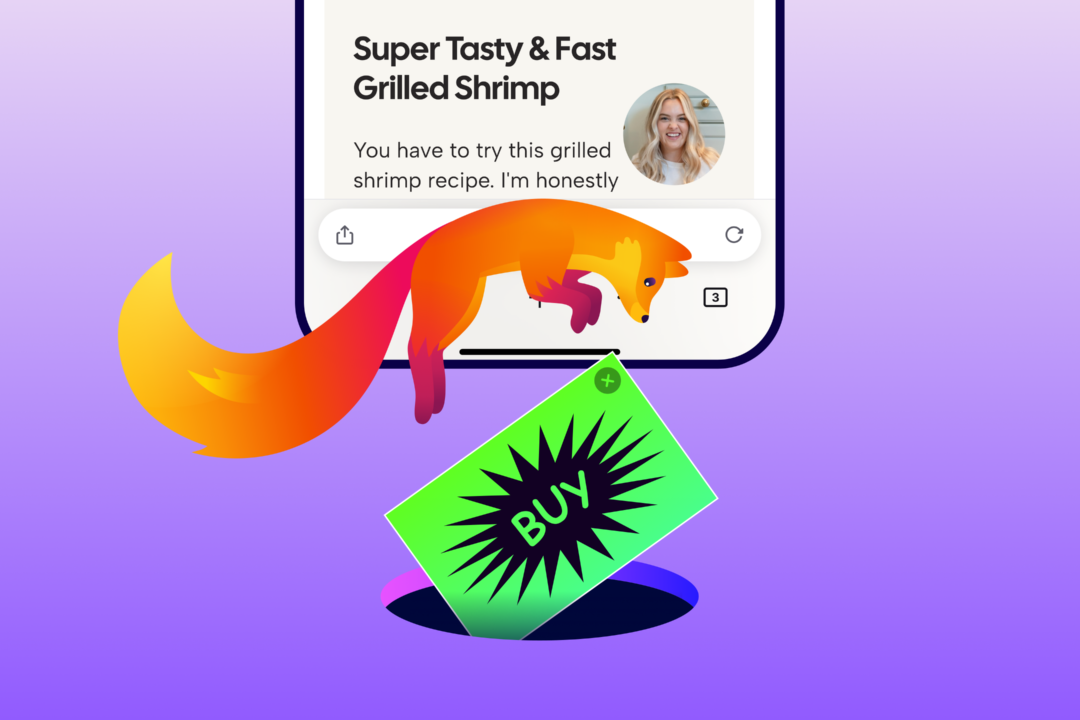
Firefox ships native ad blocking on iOS
Mozilla has rolled out a built-in ad blocker for Firefox on iOS, giving iPhone and iPad users a way to suppress many third-party ads and ad-related trackers without installing anything extra. According to the Mozilla Blog post announcing the feature, published September 1 and surfaced on the Hacker News front page, the blocker stops qualifying ads before they load, aiming to cut down the pop-ups, overlays, and banners that eat up limited screen space on mobile devices.
How it works
The feature rests on two components. The first is Apple's WebKit Content Blocker technology, the mechanism iOS provides for content filtering in browsers. The second is the EasyList filter list, a long-standing community-maintained ruleset that determines what actually gets blocked. Because the functionality is built in, there is no separate extension to install: users enable it at Settings, then Browsing, then Ad Blocker.
The setting ships off by default, and Mozilla frames that as deliberate. The company notes that advertising funds much of the open web and supports the publishers, creators, and websites people rely on, so it leaves the decision to enable blocking to each user rather than switching it on automatically.
Ad Blocker is also not a replacement for Firefox's existing privacy tooling. It runs alongside Enhanced Tracking Protection, which blocks many trackers and limits tracking across sites. The two layers operate independently, so enabling the ad blocker adds filtering on top of the tracking protections rather than duplicating them.
What it won't block
Mozilla is explicit about the feature's limits. Ads served directly by the site being visited will still appear, as will ads shown in search results. More notably, sponsored shortcuts and other sponsored content that Firefox itself displays on the new-tab page are treated as separate from ads on web pages, so the blocker does not affect them. In practice, that means the feature reduces ads on the pages users visit but leaves the browser's own sponsored placements untouched.
The company is asking users to report ads that should have been blocked, sites that behave strangely after enabling it, or other rough edges via Mozilla Connect.
Why iOS needed a different approach
On desktop and Android, Firefox already supports a broad ecosystem of ad-blocking and privacy extensions, and Mozilla says it will keep supporting that ecosystem. iOS, however, works differently: according to the blog post, extensions aren't available on the platform in the same way, and the company knows people want more options there. Building the blocker directly into the browser was the practical route to giving iOS users comparable capability.
That constraint explains why this is a notable release rather than a routine feature addition. The extension flexibility that defines Firefox elsewhere doesn't carry over to Apple's platform, so native features are the only way the browser can close the gap with what users can do on other systems.
Why it matters
This is one of the first times a major alternative browser on iOS has shipped ad blocking as a first-class, built-in capability rather than leaving it to the add-on ecosystem that iOS largely precludes. For mobile users, who face the most aggressive ad clutter relative to screen size, an opt-in switch in settings removes the friction of finding and configuring a separate tool.
The details also show where Mozilla drew its lines: the blocker targets third-party advertising on web pages, not the search ads or first-party placements that many sites depend on, and not Firefox's own sponsored new-tab content, which remains a revenue stream for the browser. Mozilla positions the feature as part of a broader push to give users more control over their browsing experience, from extension choice to how AI appears in the browser. Whether off-by-default placement limits adoption or simply respects user choice, as Mozilla argues, will become clear as iOS users encounter the new setting.
- #firefox
- #ios
- #ad-blocking
- #mozilla
- #browsers