· via Hacker News – Front Page (native)
Free tool uses ISO 21496-1 gain maps to make logos glow 7.5x brighter than white on HDR screens
A free tool featured on Hacker News converts logos into ISO 21496-1 gain-map JPEGs that render selected colors up to 7.5x brighter than white on HDR displays, while falling back to a normal JPEG everywhere else.
What the tool does
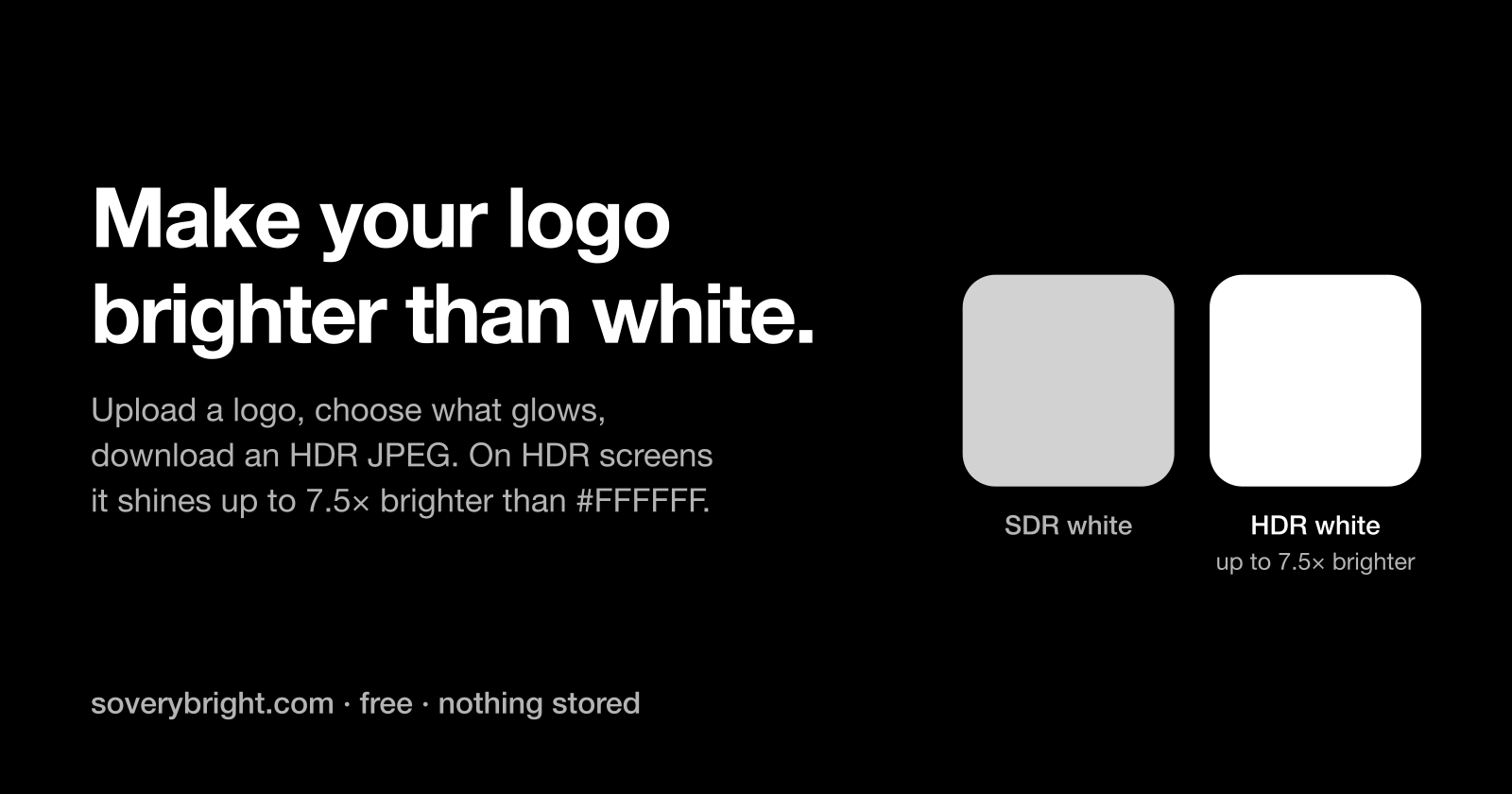
A free web tool that reached Hacker News' front page lets anyone upload a logo, pick which colors should shine, and download a JPEG in which those areas render up to 7.5 times brighter than plain white on a capable HDR display. According to the project's page at soverybright.com, the service accepts PNG, JPEG and WebP uploads, keeps nothing on its servers, and leaves the base pixels of the image untouched — on hardware or platforms without HDR support, the download behaves like an ordinary JPEG.
The strongest setting lifts chosen pixels 2.9 stops above white, which the site equates to roughly 1,500 nits and describes as the practical sweet spot measured on real screens. Those figures come from the tool's own page and have not been independently verified.
How the HDR effect is encoded
The tool produces two variants. For the general web, it embeds an ISO 21496-1 gain map: a small grayscale auxiliary image stored alongside the untouched base picture that tells HDR-aware software how far each pixel is allowed to go. For LinkedIn, it takes a different route, encoding the pixels in BT.2100 PQ with a matching ICC profile — an approach the site says LinkedIn's apps preserve rather than strip.
What glows well
Light, near-white elements on dark backgrounds benefit most. The page's demonstrations include a white-on-black wordmark where the whites are selected automatically, an orbital mark whose white ring and a blue brand color (#2f6bff) are pushed to the same peak, and cream text (#f5e9c8) on dark teal. Dark colors are poor candidates: boosting them reportedly reads as washed-out neon rather than a glow.
Where it actually renders
Gain-map JPEGs display in Chrome 137+ and Safari 26, including iOS 26, on HDR hardware; Apple Photos and LinkedIn's apps also honor the formats. Most other platforms strip or normalize the HDR data, in which case the underlying image shows through unchanged and nothing visibly breaks.
Text beyond white
CSS currently has no way to express a color brighter than #FFFFFF, because the HDR color spaces in CSS Color HDR are still a draft. The tool documents a workaround: place a 64×64 white JPEG carrying a uniform gain map behind real text using background-clip: text, turning the glyphs into a window onto the HDR image. The headline on the tool's own page is built this way and remains selectable text.
The site's guidance for the technique is specific. Gate it with @media (dynamic-range: high) so SDR visitors, Firefox users and print keep a conventional color. Remember that background-clip only paints inside the element's box, so an overflowing line would get clipped. Reserve the effect for headlines and accents, since a full paragraph at 1,500 nits is unpleasant to read, and give ::selection a visible color if the default becomes unreadable. The page also explains why filter: brightness() is not a substitute: the page composites in SDR, and no filter or blend mode can push a CSS color past white — only actual HDR content gets the headroom.
Why it matters
Browser support for gain-map images only just arrived, and CSS-level HDR color is still an unfinished draft, so there is currently no standard declarative way to put anything brighter than white on a page. This tool packages the workaround — a standardized, backward-compatible JPEG plus a clipping hack for text — into a form a designer can use without writing code, with graceful degradation wherever HDR is unsupported.
It also illustrates how uneven the HDR web remains in practice: LinkedIn preserves PQ encodings, most platforms strip gain maps entirely, and only certain browser, OS and display combinations show any effect at all. Whether glowing logos mature into a legitimate design medium or become a readability nuisance, the capability behind them is now free and cheap to experiment with.
- #hdr
- #jpeg
- #gain-maps
- #css
- #image-editing