· via Hacker News – Front Page (hnrss.org)
FreeBSD, NetBSD and OpenBSD on the Aoostar WTR Pro NAS: hands-on results
A hands-on write-up measures how FreeBSD 15.1, NetBSD 11.0 and OpenBSD 7.9 behave on the Aoostar WTR Pro Ryzen NAS, from idle power draw to fan noise and CPU tuning.
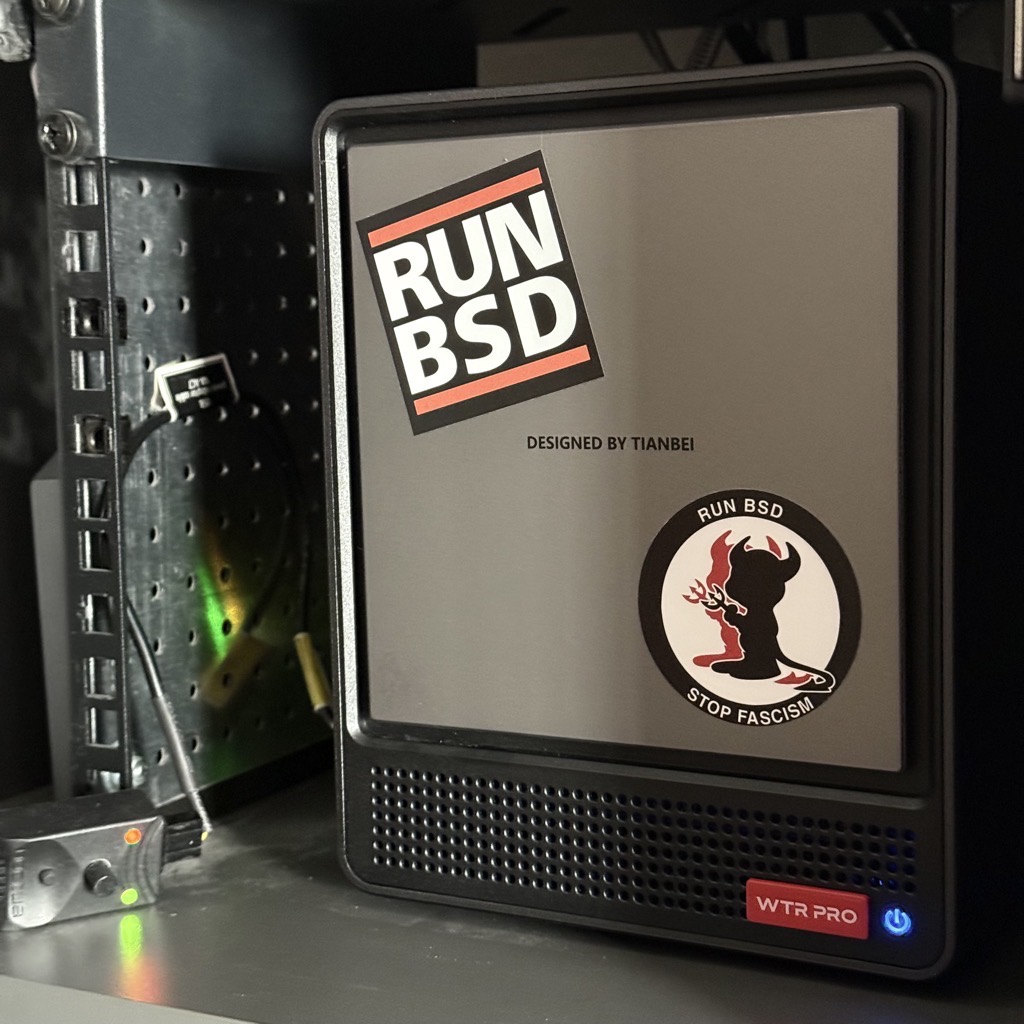
A hands-on write-up on tumfatig.net, which reached the Hacker News front page, evaluates the Aoostar WTR Pro Ryzen edition as a compact home for the BSDs. The author wanted a box small enough for a 10-inch rack, with both NVMe and SATA bays, frugal power use and no dependence on a vendor operating system, and reports that all three major BSDs install and boot on the hardware, though the effort needed to make each one behave sensibly varies a lot.
The hardware
According to the write-up, the chassis is metal rather than plastic, stays cool to the touch in a 25-27 degree C room and fits the author's 10-inch rack. Memory and NVMe slots sit underneath behind screwed-down panels, and both the slots and the four SATA bays are numbered, which helps when matching device names in the OS to physical drives. SATA caddies are front-mounted behind a magnetically attached cover; 3.5-inch drives seat without tools, while 2.5-inch drives must be screwed to the tray and took several attempts to line up correctly.
The stock fan is loud, with a low-pitched tone that seems to make the metal case ring, and the post includes a separate section devoted to quieting it.
Secure Boot is disabled in the BIOS by default, so installing free operating systems is uncomplicated; F7 opens the boot menu and Del enters setup. Idling on the BIOS health-status page with a single 32 GB memory module and no storage, the machine drew about 28 W, with the CPU at 68 degrees C and the two fans at roughly 1,900 and 820 RPM. All power figures were captured with a Fibaro FGWP-102 smart plug feeding Home Assistant, which the author notes may miss a watt or two.
Idle power across operating systems
As a baseline, the author installed Alpine Linux and Debian 13. The installers idled near 12 W; an installed Alpine drew about 13 W, dropping to 11 W after powertop auto-tuning, while Debian 13 fell to 9 W with the same treatment and 8 W once the USB keyboard and 10-inch USB display were unplugged. Under Linux, the CPU idled at 1 GHz.
NetBSD 11.0 drew around 19 W during early boot and 18 W once idle. The system exposed three frequency levels (2,000, 1,800 and 1,600 MHz) but ran at the top of the range, and running estd made no measurable difference. The CPU reported about 41 degrees C; disconnecting the USB display alone brought consumption down to 14 W. The author concedes NetBSD received the least tuning attention.
OpenBSD 7.9 measured roughly 21 W at the post-install prompt, 15 W after first boot and about 10 W with the USB keyboard and display removed. The CPU ran at its full 2 GHz by default, and enabling apmd did not appear to lower the draw. Sensors reported a CPU temperature near 37 degrees C, and a snapshot of the upcoming 8.0 branch offered nothing the author could find that improved matters.
FreeBSD 15.1, the system the machine was actually bought for, used about 19 W during installation and 18 W idle, falling to 15 W without the USB peripherals. htop showed the CPU pinned at 2 GHz. CPU temperature is invisible until the amdtemp module is loaded, after which it reads about 40 degrees C; the module can be made persistent through loader.conf. Deeper sleep states are off by default, with cores sitting at C1, and the write-up walks through switching to C3 via hw.acpi.cpu.cx_lowest alongside the frequency levels the driver advertises.
Why it matters
For self-hosters weighing open-source storage platforms, this is a useful data point: a small, rack-friendly x86 NAS with NVMe and SATA can run FreeBSD, NetBSD or OpenBSD without fighting the firmware. The catch is the cost of that choice. A tuned Debian idles at 8-9 W on this hardware, while the BSDs out of the box sit between roughly 10 and 18 W, mostly because CPU frequency scaling and deeper C-states are not enabled by default, and attached USB peripherals add a few watts. The post documents the concrete knobs, from estd and apmd to loader.conf modules and cpufreq sysctls, that narrow the gap, along with practical buying advice: a noisy stock fan and awkward 2.5-inch trays are part of the deal.
- #freebsd
- #netbsd
- #openbsd
- #nas
- #self-hosting