· via Vercel blog
Vercel Flags adds timestamp attributes for time-windowed targeting
Vercel Flags now accepts timestamp attributes on entities, letting teams target flag rules by date windows such as campaign periods or registration cutoffs, without custom time logic in application code.
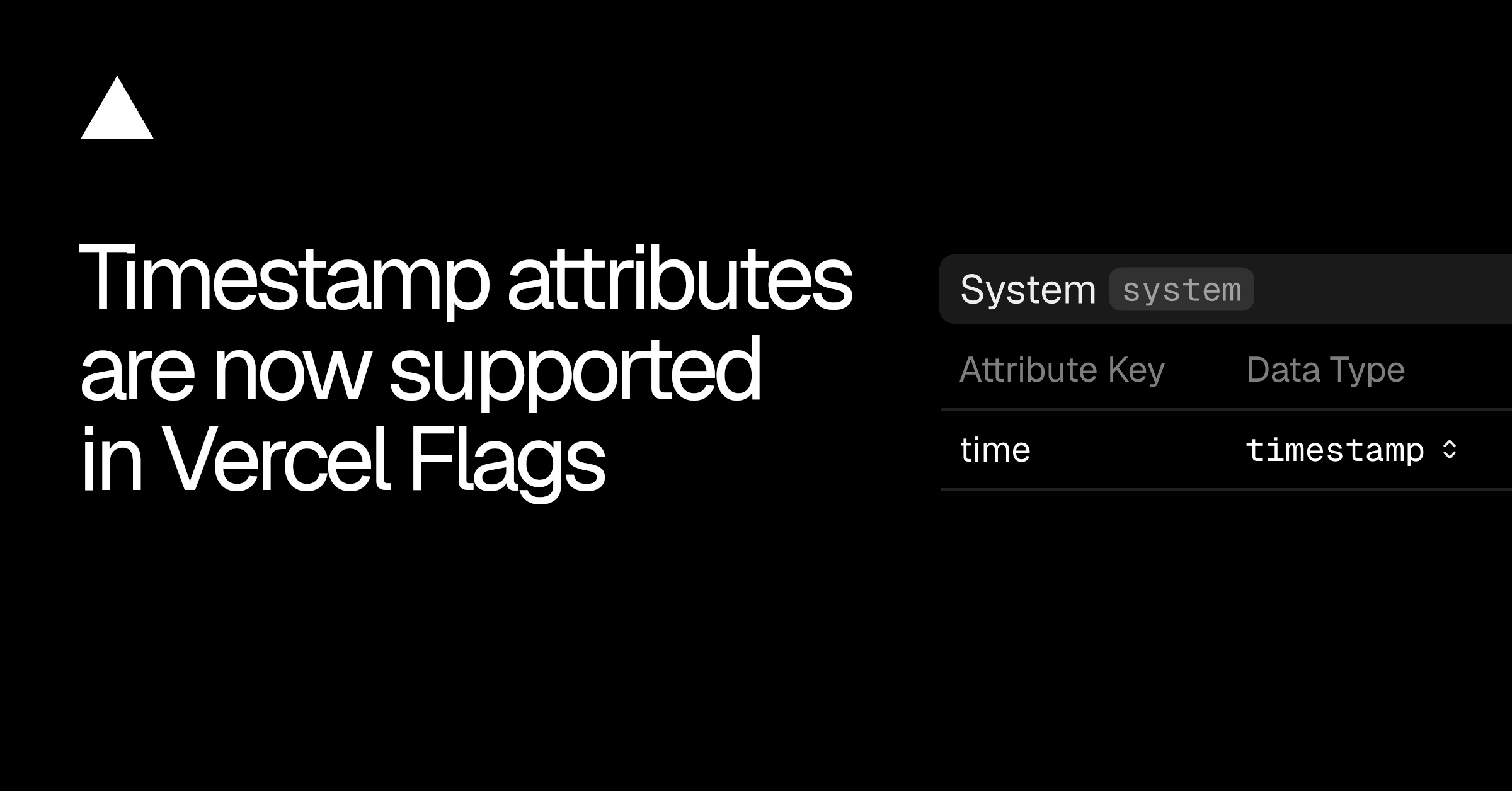
Vercel Flags gains timestamp attributes
Vercel has added timestamp attributes to Flags, its feature flagging service, letting targeting rules compare dates and times instead of relying on custom clock logic written into application code. Entities — the users, teams, devices, or requests a flag is evaluated against — can now carry attributes typed as timestamps, and flag rules can compare those values against fixed dates.
According to the Vercel blog, typical uses include showing a campaign page only during a set window, running a time-boxed promotion such as Black Friday, or targeting users who registered before a cutoff.
Configuring the attribute
The attribute can be defined in the dashboard or via the CLI. In the dashboard, open Flags, select Entities, and create or select an entity, then add an attribute with its data type set to timestamp. The CLI equivalents:
vercel flags entities create system --label System --attribute time:timestamp vercel flags entities update system --add-attribute time:timestamp
The first command creates a new entity with the attribute; the second adds it to an entity that already exists.
The application supplies the value
A detail worth noting: Vercel does not inject the current time on its own. The application must supply the attribute's value whenever a flag is evaluated, the entity and attribute names must match the configuration, and the value has to be a Unix epoch timestamp expressed in milliseconds.
In the Flags SDK example Vercel published, the current time is supplied through Date.now(), which already returns milliseconds, and it is wrapped in dedupe() so that every flag evaluated during the same request sees the same timestamp:
ts const identify = dedupe(async () => ({ system: { time: Date.now() }, }));
The dedupe step keeps evaluations consistent within a single request, rather than letting separate flag reads drift onto slightly different times.
Writing time-based rules
Once the attribute exists, a targeting rule on the flag compares the value your application provides against a date and time you choose. Four operators are supported: is after, is at or after, is before, and is at or before. The dashboard's date and time picker operates in your local timezone, which is worth remembering for teams spread across regions.
The CLI exposes the same operators as after, at-or-after, before and at-or-before, and conditions can be chained to form a window:
vercel flags rules add promotion --environment production
--condition system.time:at-or-after:2026-09-02T13:00:00Z
--condition system.time:before:2026-09-16T22:00:00Z
--variant on
That rule serves the "on" variant from 2 September 2026 until 16 September 2026. Vercel also points readers to its documentation on providing entities in code and on releasing a flag at a specific time.
Why it matters
Timed feature releases have usually meant one of two workarounds: application code that checks the clock around each flag read, or a scheduled job that flips flag configuration at a set moment. Both approaches move the schedule outside the flag system, where it cannot be inspected, versioned or reversed alongside other targeting rules.
Making time a first-class attribute changes that. A date window becomes a declarative rule that composes with other conditions, so a promotion that runs between two dates for one audience segment is a single rule rather than code plus configuration. Ending a campaign early or extending it becomes a rule edit in the dashboard instead of a redeploy or an out-of-hours script. For teams already using the Flags SDK, the addition is effectively free: the only code change required is passing a millisecond timestamp through the identify step.
- #vercel
- #feature-flags
- #cloud
- #developer-tools