· via Vercel blog
Vercel Sandbox adds Secure Compute with static IP egress and AWS VPC peering
Vercel Sandbox can now attach to a Secure Compute network, giving sandboxes static IP egress and private access to AWS VPC resources. The feature is limited to Enterprise teams.
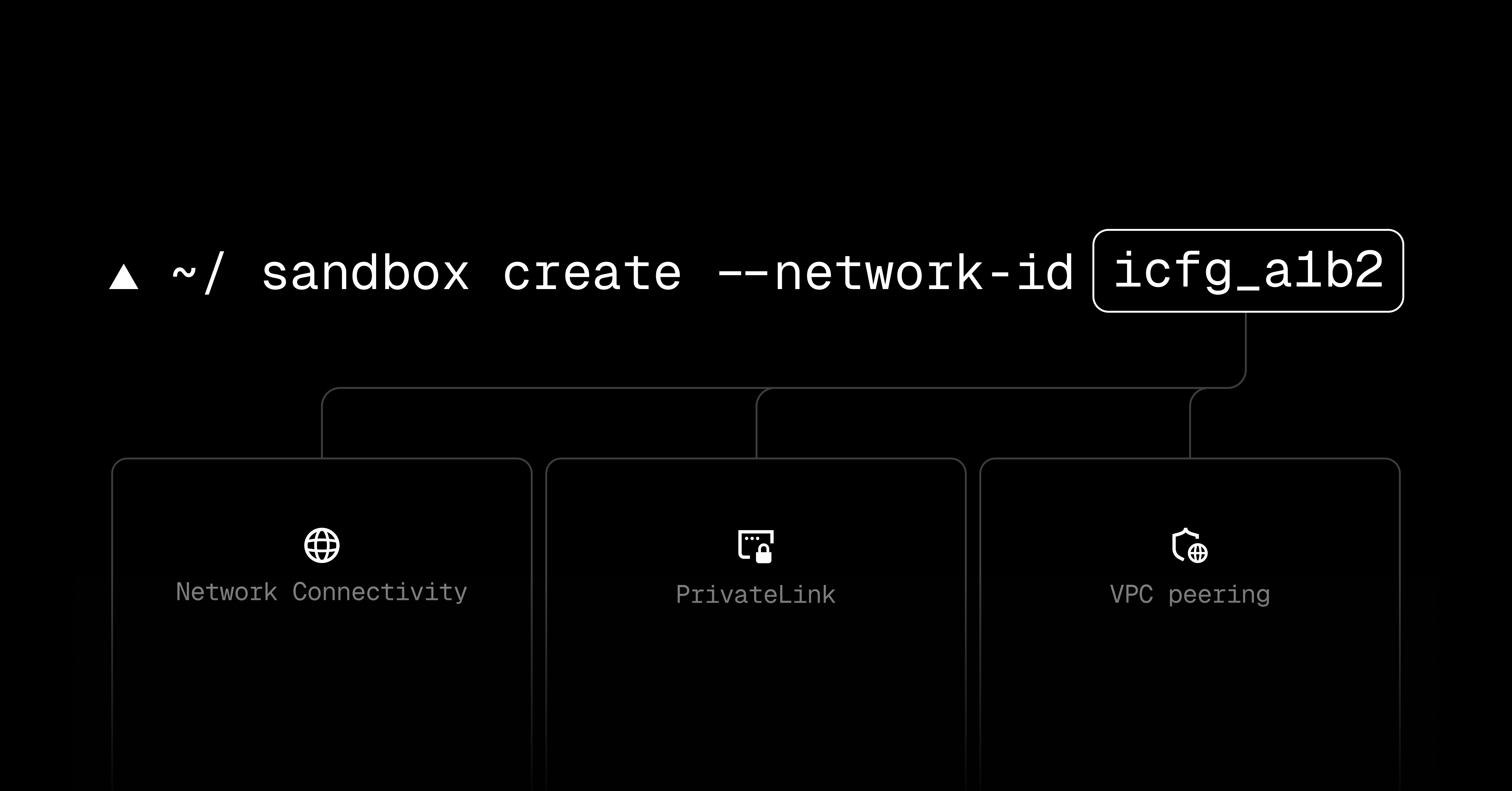
Vercel Sandbox gains Secure Compute networking
Vercel has added Secure Compute support to Vercel Sandbox, according to a post on the Vercel blog. A sandbox can now join a team's dedicated network, and that brings two networking changes: traffic bound for the public internet leaves through the network's static IP addresses, and the sandbox can talk to private resources sitting behind an AWS VPC boundary over a peered connection.
What static egress and VPC peering buy you
Static egress addresses solve a common enterprise problem. Many security models control access with IP allowlists, whether at a firewall, a database, or a third-party API that only accepts requests from approved addresses. A workload whose outbound address is unpredictable cannot be allowlisted cleanly. Pinning egress to a known set of static IPs means downstream systems can be configured to accept traffic from those addresses and nothing else.
VPC peering covers the other direction. Resources such as internal databases, caches, and private services that are never exposed publicly can be reached directly from the sandbox across the peered link, so a team does not have to open public endpoints just so sandboxed code can reach them.
How to attach a sandbox to a network
According to the changelog, networks can be attached either in code or from the CLI. Using the @vercel/sandbox package, pass an existing Secure Compute network ID when creating the sandbox:
js import { Sandbox } from '@vercel/sandbox';
const sandbox = await Sandbox.create({ networkId: '3k9x7m2p5q8w1z4n', });
From the CLI, the same result comes from appending a flag to the create command:
bash npx sandbox@latest create --network-id your_network_id_here
Sandboxes that already exist are not locked out: calling sandbox.update() attaches a sandbox to a network or moves it to a different one. The switch is not immediate, though. Vercel says the new network applies from the next session onward, and a session that is already running keeps its current network until it stops.
Availability
The capability is scoped to Enterprise teams that have Secure Compute. Vercel directs readers to the Sandbox documentation for fuller details on configuring networks.
Why it matters
A code sandbox is only as useful as what it can safely touch. Sandboxes with unrestricted network access are difficult to defend, while sandboxes with no meaningful connectivity cannot do real work: querying a staging database, calling an internal API, or integrating with a partner that demands IP allowlisting. Static egress plus VPC peering is the established pattern for resolving that tension, and bringing it into Vercel Sandbox means isolated code execution environments can operate against private infrastructure without that infrastructure being publicly reachable.
That is most relevant where isolated execution is growing fastest: automated agents and generated code that need contained but genuine access to an organisation's systems. Restricting the feature to Enterprise plans signals the audience Vercel expects, namely teams with compliance and network-security requirements, but the mechanics are broadly applicable. For workloads already running in Vercel Sandbox against AWS-hosted private resources, this offers a first-party alternative to workarounds such as public endpoints or tunnels.
- #vercel
- #cloud
- #networking
- #security
- #aws