· via Vercel blog
Vercel Spend Management adds per-project and per-product budgets with auto-pausing
Vercel's Spend Management now supports budgets for individual projects and products, with optional automatic pausing of production deployments when a project budget is reached.
What is new
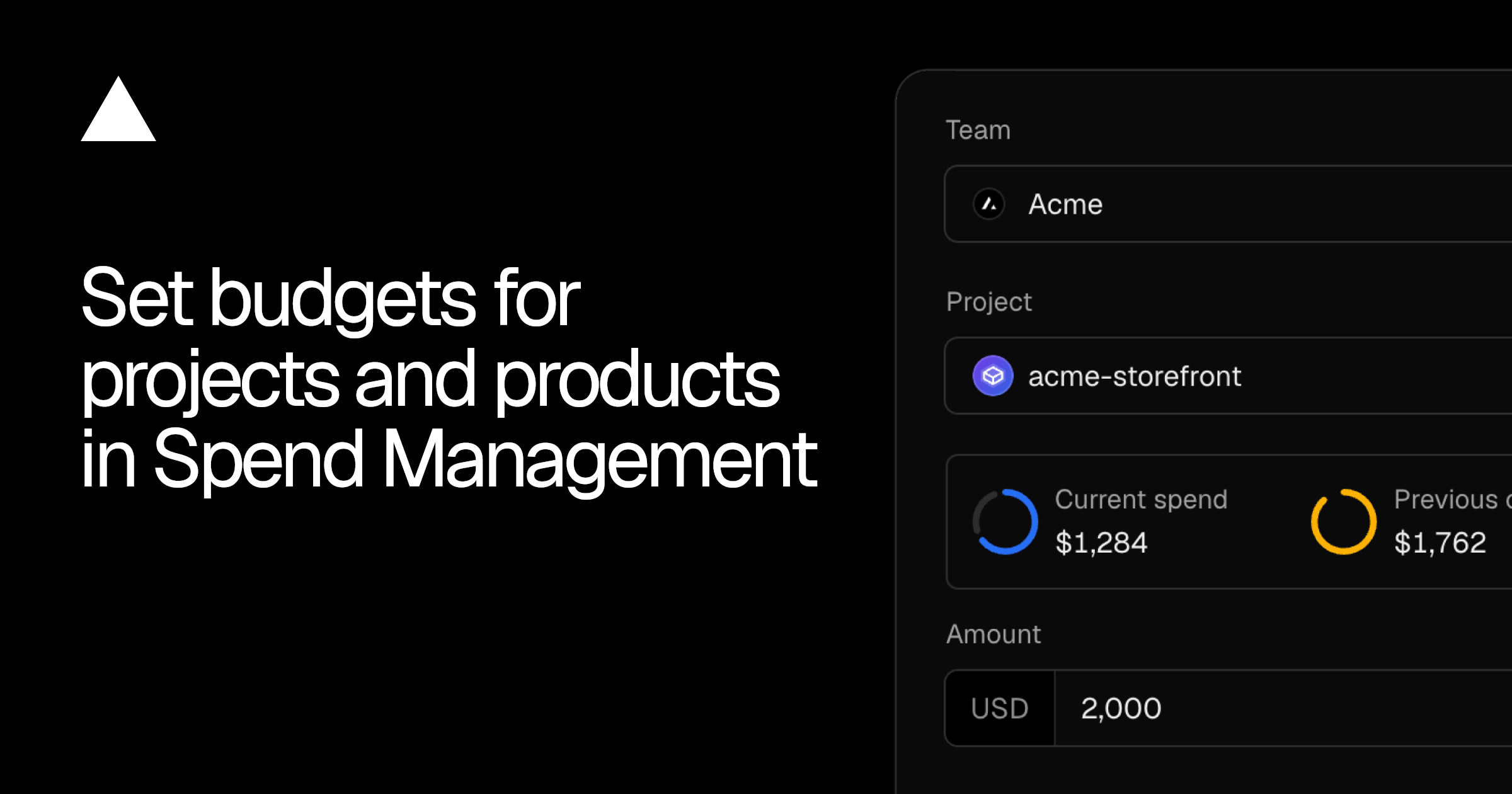
Vercel has expanded Spend Management, its cost monitoring and control feature, with budgets for individual projects and individual products. The capability previously worked at the team level only. According to the Vercel blog, the change lets teams cap spending with far more granularity: per project, or per Vercel product such as Fast Data Transfer.
A project budget tracks spend for a single project. If the team opts in, Vercel will pause that project's production deployments once the budget is exhausted, and only that project: other projects in the team continue deploying normally. A product budget instead tracks spend on one product across the whole team, which is useful for isolating a costly line item such as data transfer.
One limitation worth noting: automatic pausing of production deployments applies to team and project budgets only. Product budgets track spending and send alerts but do not stop anything on their own.
Dashboard, alerts and CLI
Budgets are managed through a new Spend Management page that also shows spend for the current billing cycle and indicates which budget thresholds have been crossed. Vercel sends notifications at 50, 75 and 100 percent of each budget, giving teams advance warning before any enforcement action, such as a pause, takes effect.
Budgets can also be managed from the Vercel CLI. Listing existing budgets looks like this:
vercel billing budgets list
A $100 project budget with pausing enabled can be set with:
vercel billing budgets set --project my-app --amount 100 --pause
And a $50 product budget with:
vercel billing budgets set --product "Fast Data Transfer" --amount 50
The CLI support makes budgets scriptable, so teams can codify spending policies in provisioning pipelines or keep them in version control rather than managing everything through the dashboard.
Availability and pricing
According to Vercel, Spend Management is included at no additional cost for Pro teams and for Enterprise teams on Flexible Commitment plans. Customers participating in the Organizations private beta get one further option: a single budget that spans all teams in the organization.
Why it matters
Bill shocks are a familiar failure mode on platforms where usage-based products, such as functions, bandwidth and edge requests, can spike without warning. Per-project budgets with automatic pausing turn Spend Management from a reporting tool into an enforcement mechanism: a runaway project gets stopped at its own limit instead of quietly inflating the team's invoice. That is especially relevant for teams running many projects or experiments on one account, where a single misconfigured setting can otherwise become expensive.
The granularity also allows differentiated policies: strict budgets with pausing on low-stakes or experimental projects, while production-critical workloads keep deploying without an artificial ceiling. Combined with threshold notifications at 50 and 75 percent, teams get both an early warning system and a hard stop.
The main gap is that product budgets do not trigger pausing. Spend on products that cut across projects, such as Fast Data Transfer, remains alert-only, so teams relying solely on product budgets still need to act manually when a limit is approached.
- #vercel
- #spend-management
- #cloud-costs
- #devops
- #platform