· via Hacker News – Front Page (hnrss.org)
Vim practice game hjkl reaches Hacker News front page with browser-based drills
A developer's Show HN post introduced hjkl, a free browser game that teaches Vim editing through short guided, prompted and independent drills, and it reached Hacker News's front page.
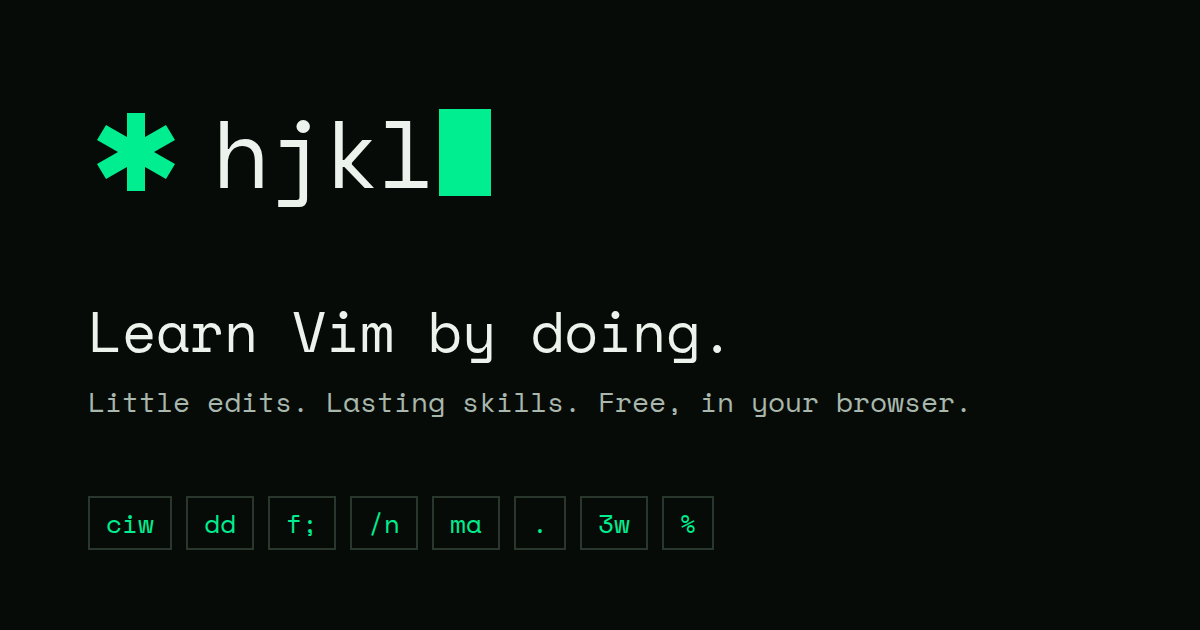
A Show HN project for learning Vim by editing
A browser game named hjkl, after Vim's home-row movement keys, was shared on Hacker News on November 3, 2026 under the post title "Show HN: I built a little browser game to practice Vim commands" and made the site's front page. Hosted at hjkl.duy.run, the project runs a working Vim editor inside the browser and teaches commands through short, concrete editing tasks rather than step-by-step key tutorials.
What it covers
According to the description posted with the project, the game is organized around editing skills instead of abstract lessons. Fixing a typo with x, h and l; changing a word with w, b and ciw; removing a line with dd; inserting text with i, a, I, A, o and O; replacing a single character with r; and copying text with yy, yw, p and P each get their own exercises.
The curriculum goes well beyond beginner keys. Counts are practiced with motions like 3w, 2dd, 3x and 3p. In-line finds use f, F, t and T with the ; and , repeaters, while document search covers /, ?, n and N. Text-object edits such as ci", ci' and diw appear, as does the repeat command (.), delimiter matching with %, file-wide jumps like gg, G and 12G with ctrl-o and ctrl-i for traversing the jump list, and marks set with ma and revisited with 'a or `a.
How the drills work
Learners pick the skills they want and then make small, real edits in the embedded Vim editor. Each skill follows the same progression: two guided edits, two prompted edits, and two independent edits. The pass condition is outcome-based — any valid command sequence that transforms the text into the target result counts as a win. That design mirrors how experienced Vim users actually work, since the editor typically offers several routes to the same edit. Typing :help in Normal mode surfaces the commands relevant to the current exercise.
Access and requirements
The project costs nothing, works without an account, and keeps no user data, according to its page. It does require a desktop browser and a physical keyboard, which rules out phones and tablets — a sensible constraint, since modal editing depends heavily on keys that mobile keyboards lack. The site also publishes a Vim command cheat sheet and an llms.txt file, the latter being a plain-text summary aimed at AI tools that fetch site content.
Why it matters
Vim's modal editing model remains one of the most durable ideas in developer tooling. Its keybindings live on in IDE plugins, editor emulation modes, terminal programs and even browser extensions, so the underlying skill transfers far beyond Vim itself. Yet the learning curve is famously steep, and most tutorials stop at explaining keys rather than building the muscle memory that makes Vim fast.
hjkl targets exactly that gap. Practicing small, concrete edits — fix this typo, delete that line, change this word — is much closer to real usage than rote memorization, and doing it in a browser with zero setup removes the usual excuse of not wanting to install or configure anything. The any-valid-edit-passes rule is a small but meaningful design choice: it teaches that Vim problems have many solutions and lets learners carry over habits from other contexts.
For developers who have bounced off Vim before, a five-minute browser drill with nothing to install is about the lowest-friction retry available. And for teams that standardize on Vim-style editing, it is the kind of link worth sending to new hires on their first day.
- #vim
- #browser-game
- #developer-tools
- #learning
- #web-app