· via Hacker News – Front Page (native)
Damn Small Linux returns to give aging PCs a 15-second boot and a second life
Damn Small Linux, reborn in 2024 on an antiX base, boots to a desktop in about 15 seconds on a 13-year-old laptop, offering a practical path for hardware stranded by Windows 10's end of support.
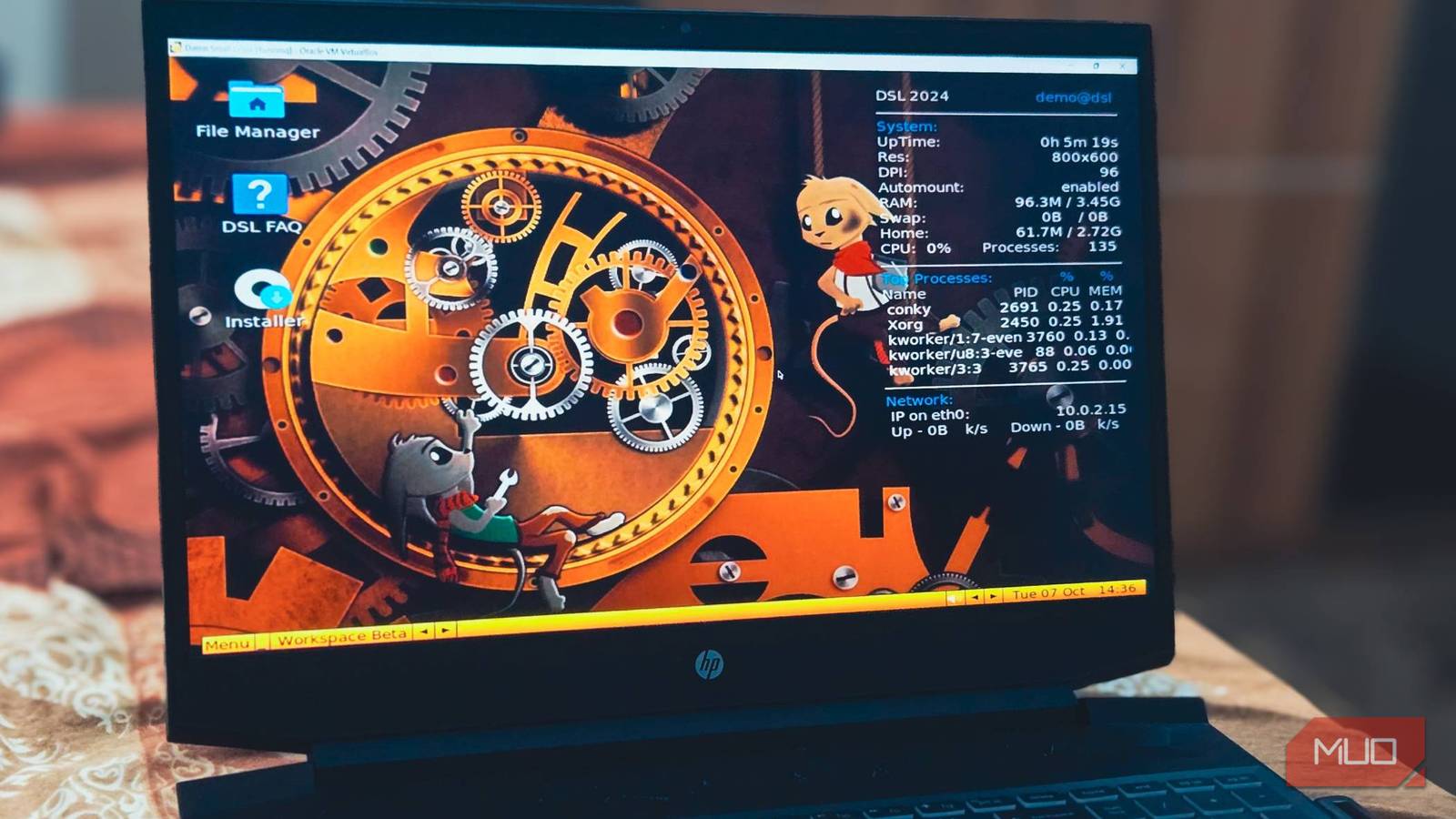
Damn Small Linux, the distribution born in 2003 from a bet that a working Linux desktop could fit inside 50 megabytes, is back after a long dormancy — and a hands-on review at MakeUseOf finds that it can still make genuinely old hardware feel quick.
The test machine was a 13-year-old Dell Inspiron carrying a second-generation Intel Core i3, 4GB of RAM and integrated Intel HD graphics. It shipped with Windows 7, was later moved to Windows 10, and had slowed to the point where ordinary tasks felt like a chore. Running DSL from a USB stick, the laptop reached a usable desktop roughly 15 seconds after power-on.
From 50MB curiosity to 700MB reality
According to MakeUseOf, DSL began as an experiment to see how much functionality could be squeezed into 50MB, and the original release ran entirely from a CD the size of a business card. The project then went quiet for years before returning in 2024 with a revised target of 700MB — still small enough for a CD, but roomy enough to bundle the drivers and applications that current peripherals and websites actually require.
The newest version is built on antiX 23 i386, a lightweight base that keeps resource consumption minimal while supporting a wide range of machines. The distribution is aimed explicitly at hardware that modern operating systems have left behind, with old netbooks, first-generation Intel Core processors and Pentium 4 desktops named as typical candidates.
What ships in the box
Despite the compact footprint, DSL arrives with two window managers, Fluxbox and JWM; several browsers ranging from Firefox-ESR down to the featherweight Dillo; the AbiWord word processor and the Gnumeric spreadsheet; and dozens of terminal-based tools. That adds up to a system covering everyday desktop work — browsing, documents and file management — rather than a bare-bones rescue environment.
Installation and hands-on performance
Getting started requires a USB drive of at least 1GB and a machine that can boot from USB. After downloading the ISO, it can be written with Rufus or balenaEtcher; the reviewer preferred Ventoy, which sets up a multi-boot drive so several ISOs can sit on one stick and be chosen at boot time. Depending on the computer, pressing F12, F2 or ESC during startup opens the boot menu.
DSL loads into a live environment first, so the network card, graphics output and general behaviour can be verified before anything is written to disk. A permanent installation can share the drive with Windows in a dual-boot arrangement or replace it entirely, and the process took about 10 minutes on the aging test hardware.
Hardware detection covered networking, sound, USB devices and even some older printers without manual configuration. Firefox-ESR handled most websites adequately, while the lighter NetSurf and Dillo browsers felt faster but ran into trouble on pages that lean heavily on JavaScript. With 4GB of RAM, the reviewer could browse, write documents and play music simultaneously without the system touching swap space.
A second act as a home server
Beyond desktop duties, MakeUseOf notes that a DSL machine can be repurposed as a home file server using Samba for network sharing, or set up as an FTP server for remote access and backups — roles where a slow processor matters far less than simply being available.
Why it matters
With Windows 10 now out of free support — extended patches are limited to those who enrolled in the additional security scheme — a large pool of still-functional laptops and desktops is left without a supported operating system. Lightweight distributions like DSL offer a concrete alternative to scrapping that hardware, extending its life as a browsing machine, writing station or small home server. The growth from 50MB to 700MB is also a quiet lesson in software economics: the original proved a desktop could be tiny, but modern drivers, browsers and user expectations set a floor on how small a genuinely usable system can be. The write-up drew attention on Hacker News's front page, where lightweight revivals of aging hardware remain a perennial favourite.
- #linux
- #open-source
- #operating-systems
- #legacy-hardware